
IT HELPDESK · LOS ANGELES
IT Helpdesk Services in Los Angeles
A clear way back to work.
STG gives employees a dependable place to ask for help—and gives business leaders a support process they can see, understand, and trust.
★★★★★ 5.0 on Google100+ reviews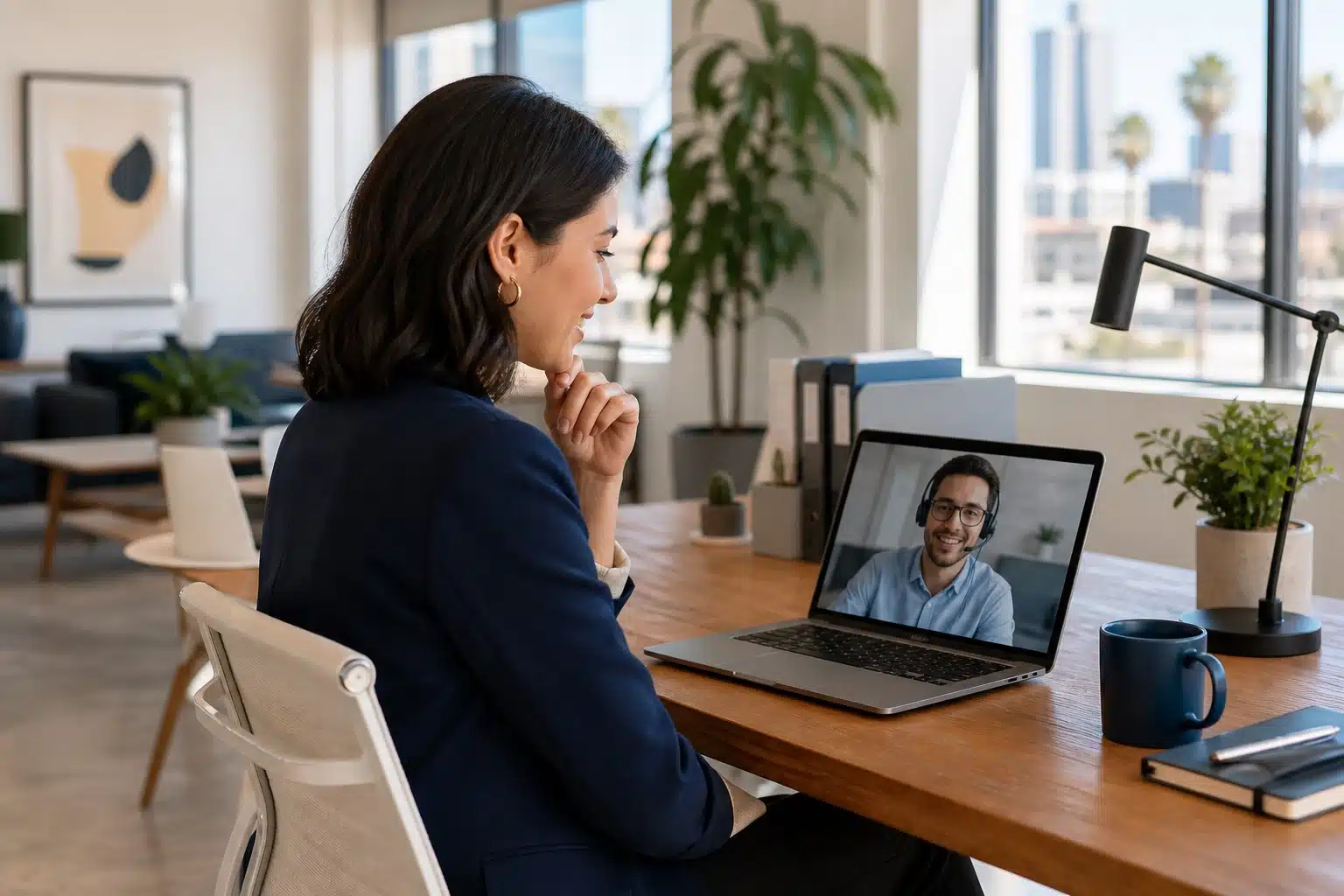
Support request in motion
Received→Assigned→Resolved
Founded in 200917+ years of experience
Los Angeles-basedLocal team in West Hollywood
Mac + WindowsBusiness user support
Remote + onsiteOne coordinated escalation path
The direct answer
What are IT helpdesk services?
IT helpdesk services give employees a central place to report technology problems, request access, and get technical assistance.
A business helpdesk receives the request, determines its impact, assigns the right technician, communicates progress, resolves the issue, and documents the outcome. STG provides this function as part of a coordinated support relationship for Los Angeles organizations.
One front door for support
Your employee should not have to diagnose the problem before asking for help.
They describe what is happening. STG traces the issue across the user, device, account, application, network, cloud service, or vendor—and keeps the employee informed.
UsersDevicesMicrosoft 365NetworksSecurity triageVendors
When work gets interrupted
Everyday problems deserve an organized response
The issue may look small, but the business impact is real. STG prioritizes the request based on who is affected and what work is blocked.
Access & identity
Password, MFA, permissions, account lockout, onboarding, offboarding, and sign-in issues.
Computers & software
Slow devices, application errors, updates, configuration, peripherals, and unexpected behavior.
Connectivity
Wi-Fi, internet, VPN, shared drives, printers, and network access problems.
Suspicious activity
Phishing, unusual prompts, account concerns, device alerts, and security escalation.
From request to resolution
A support ticket is a conversation—not a black hole
A defined workflow keeps requests moving and gives employees clear expectations from first contact through follow-through.
REQUEST #STG-HELPResolution path active
01
Receive
The employee explains the issue and the business impact.
02
Triage
STG assesses urgency, scope, symptoms, and the right support path.
03
Resolve
A technician troubleshoots, coordinates, escalates, and tests the fix.
04
Close the loop
The employee receives an update and the outcome is documented.
Response targets, support hours, priority definitions, and after-hours procedures are established in each client’s service agreement.
What the helpdesk supports
From the employee’s screen to the systems behind it
STG follows the evidence instead of treating every request as an isolated desktop problem.
Microsoft 365 & email
Outlook, Teams, OneDrive, SharePoint, mail flow, calendars, and collaboration access.
Business applications
Installation, configuration, errors, updates, permissions, and vendor coordination.
People changes without loose ends
Helpdesk coordination supports employee onboarding, access changes, device readiness, role transitions, and offboarding—so accounts and equipment follow the business process.
Common support areas
One team, fewer handoffs
- Passwords, accounts, MFA, and permissions
- Mac and Windows computers
- Email, files, cloud, and collaboration
- Wi-Fi, VPN, printers, and connectivity
- Device performance and software issues
- Security questions and incident triage
- Third-party vendor coordination

The employee experience
Capable support still needs to feel human
Employees remember whether help was clear, respectful, and responsive. Technical skill matters; so does communication.
✓
Acknowledge the impactUnderstand what the employee cannot do—not just the error message.
✓
Explain the next stepMake the process understandable without burying the user in jargon.
✓
Own the handoffCoordinate internally or with vendors instead of sending the employee in circles.
✓
Confirm the outcomeVerify that work is restored before the request is considered complete.
Remote resolution. Local escalation.
The helpdesk chooses the right path
Most user issues can begin remotely. When the work requires physical access, equipment, cabling, or an office visit, STG coordinates the escalation.
Resolve remotely
Accounts, applications, email, cloud services, configurations, guided troubleshooting, and many device issues can be addressed without waiting for travel.
Escalate onsite
Hardware, network equipment, cabling, installations, office changes, and issues that cannot be completed remotely move to hands-on support.
Explore Onsite & Remote IT Support →Specialized expertise
Technology solutions built for the industries we know best.
While we support businesses across nearly every industry, we have developed deep expertise in three sectors where technology plays a critical role.
Architecture, Engineering & Construction
Technology built for firms managing large project files, CAD workflows, field teams, and secure collaboration between the office and job site.
Explore A/E/C IT Services →Entertainment & Media
Supporting studios, agencies, production companies, and post-production teams with high-performance storage, collaboration, and dependable IT.
Explore Entertainment IT →Financial Services
Helping investment firms and financial professionals stay secure, compliant, and productive with proactive IT and layered cybersecurity.
Explore Financial IT →Don’t see your industry?
A large portion of the businesses we support are growing organizations just like yours. We work across the broader SMB space, including professional services, healthcare, nonprofits, manufacturing, retail, legal, and marketing agencies.
Los Angeles presence
Remote speed backed by a local team
STG is based in West Hollywood and supports organizations across greater Los Angeles. Your helpdesk is connected to technicians who understand local offices, vendors, internet providers, and onsite logistics.
West HollywoodBeverly HillsCentury CityCulver CityDowntown LABurbankGlendalePasadena
Where the helpdesk fits
The helpdesk is the employee-facing support function within a broader managed IT relationship. Monitoring, cybersecurity, backups, infrastructure, and technology strategy work behind it to reduce recurring problems and manage the environment responsibly.
Explore Managed IT Services★★★★★
5.0 on Google100+ reviewsClient proof
See how Los Angeles businesses describe the responsiveness, communication, and technical support they receive from STG.
Read current Google reviews →Frequently asked questions
IT helpdesk services FAQs
What is the difference between an IT helpdesk and managed IT services?
An IT helpdesk is the employee-facing function that receives and resolves support requests. Managed IT services cover the broader technology environment, including monitoring, maintenance, cybersecurity, backups, infrastructure, standards, vendors, and strategy. The helpdesk is usually one important part of a managed IT relationship.
What issues can an outsourced IT helpdesk resolve?
An outsourced helpdesk can assist with account access, passwords, MFA, Microsoft 365, email, cloud applications, Mac and Windows devices, software problems, connectivity, VPNs, printers, permissions, onboarding, offboarding, security concerns, and vendor coordination. Physical equipment or office work may be escalated to onsite support.
How quickly does STG respond to helpdesk requests?
Response targets depend on the request’s priority and the client’s service agreement. STG evaluates business impact, the number of people affected, and whether critical work is blocked. Priority definitions, support hours, and escalation procedures are established during onboarding.
Can STG securely access an employee’s computer remotely?
Yes. When appropriate and authorized, secure remote-support tools allow a technician to view or control the device for troubleshooting. The technician communicates with the employee, works through the issue, and verifies the result. Remote access practices are governed by the client’s support and security procedures.
When does a helpdesk request become an onsite visit?
STG coordinates onsite support when the issue requires physical access to hardware, cabling, network equipment, conference-room technology, installation work, an office move, or troubleshooting that cannot be completed remotely.
Does STG support both Mac and Windows users?
Yes. STG supports businesses with Mac, Windows, and mixed-device environments, along with common cloud services, business applications, networks, and peripherals.
A better front door for IT support
Give employees a clear place to get help—and your business a support process it can trust.
Let’s talk about your users, current support gaps, technology environment, and the service model that fits your organization.